What Logo Files to Send for a Custom Sign
You are ready to order a sign and the sign maker asks for “your logo file.” You find a picture on your phone, a PNG from your website and something called “final_FINAL2.pdf” from the designer who made the logo years ago. Which one do you send?
The short answer: send everything you have. This guide explains which files work best for signs and why, and what happens if all you have is a picture, because that is a solvable problem.
- Free site visit & measurement
- Design included
- 2-year warranty
- Own workshop in Calgary
The Short Answer
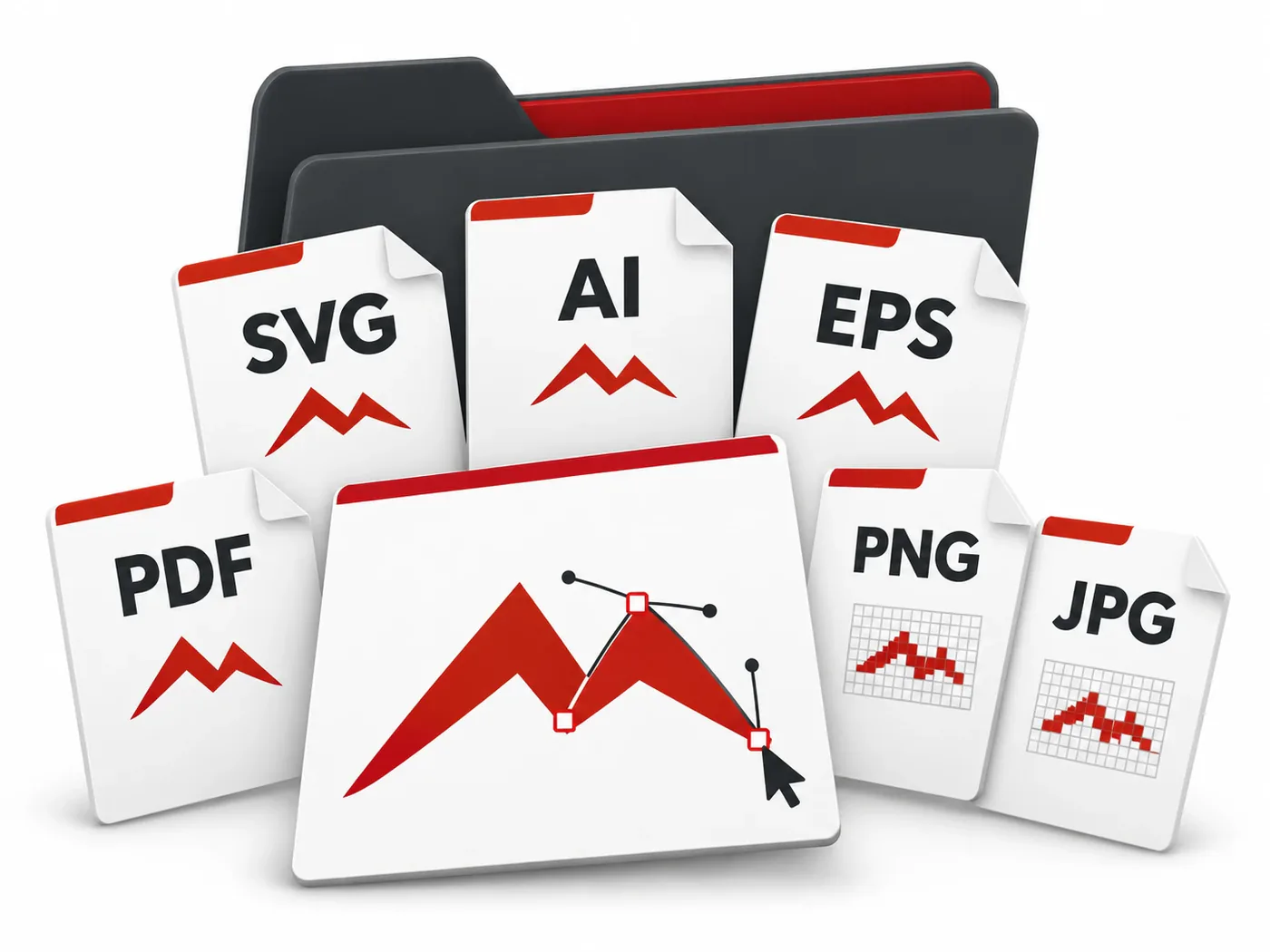
We accept logos in any format. The preferred file is SVG (a vector file) because it can be used directly to plan and cut a sign at any size. If you only have an image, such as a JPG, PNG or a screenshot, we will prepare the production file ourselves.
Getting the file right matters because the logo file drives everything that follows: the size of each letter, the shape of the backing, the layout of the LED lighting and the print on a face. A clean file means the finished sign looks exactly like your brand, at any size.
So the rule is simple: send the best file you have, plus anything else that shows how the logo should look. You do not need to buy software or hire a designer before contacting us.
Vector vs Raster: Why It Matters for Signs
Logo files come in two basic kinds, and the difference matters more for signs than for almost anything else:
Vector files
A vector file describes the logo as shapes and lines: mathematical outlines rather than dots. It can be scaled from a business card to a 20-foot facade without losing sharpness. Signs are built from outlines: letters are cut along them, neon follows them, and print is placed by them. That is why vector files are ideal.
Raster files
A raster file (a photo, a JPG, a PNG) is a grid of coloured pixels. It looks fine on a screen at the size it was made, but when it is enlarged to sign size the edges turn soft and jagged. For cut letters and other dimensional signs, a raster logo has to be redrawn as vector outlines first. For printed signs, a large, sharp image can sometimes be printed as it is.
If you are not sure whether your designer gave you a vector file, ask them for “the logo in SVG, AI or EPS”. Most designers keep the original and can send it in minutes.
Redrawing a logo is normal work in sign making, and it is part of our service. The only difference a vector file makes is speed and accuracy: the outlines are already exactly as your designer intended.
Common File Types Explained
| File | What it is | How useful it is for a sign |
|---|---|---|
| SVG | Vector | Preferred: can be used directly |
| AI (Adobe Illustrator) | Usually vector | Very useful: send it if your designer gave you one |
| EPS | Usually vector | Very useful |
| Can contain vector or raster | Useful if it was exported from design software; send it and we will check | |
| PNG | Raster, may have a transparent background | Good reference; will be redrawn as vector |
| JPG | Raster | Good reference; will be redrawn as vector |
| Photo of an existing sign or business card | Raster | Works as a starting point; will be redrawn |
If you are not sure what a file is, send it anyway. It takes seconds to check, and an unexpected PDF often turns out to contain the original vector logo.
What Else to Send With Your Logo
The logo is only part of the brief. These help the design concept come out right the first time:
- Your brand colours: Pantone, CMYK or HEX codes if you have them
- The names of the fonts used in the logo, if you know them
- A photo of the building or the wall where the sign will go
- The approximate size you have in mind, or the space available
- The landlord’s sign criteria, if you are in a plaza or leased building
- Examples of signs you like, even from other businesses
- Whether the sign is for outside, inside, a window or an event
Email is the easiest way: creondesignca@gmail.com, or use the quote form. Large files can be sent through any file-sharing link.
What Happens to Your File
From the moment you send the logo to the moment production starts:
Check
We open the file, check whether it is vector, and look at detail, colours and fonts.
Prepare or redraw
A vector logo is cleaned up for production; a raster logo is redrawn as vector outlines.
Adapt to the sign type
The logo is adjusted to the way the sign is built (letter strokes, neon lines or print) without changing your brand.
Design concept
You see the sign on a photo of your building or wall, at true proportions.
Your approval
Nothing goes into production until you approve the design, sizes and colours.
Production
The approved file drives the cutting, the lighting layout and the printing in the workshop.
How a Logo Changes When It Becomes a Sign
A logo designed for a screen sometimes needs small, careful adjustments to work as a physical sign. These do not change your brand; they make it readable and buildable:
Channel letters
Each letter becomes a dimensional object with LED lighting inside, so very thin strokes and tiny text need a minimum size to hold the light. See channel letter signs.
Light boxes
The face is printed, so detailed logos, gradients and photos reproduce well. The main check is that text stays large enough to read from the street. See light box signs.
LED neon
Neon is a line, so filled shapes are turned into outlines and fine detail is simplified. See LED neon signs.
Interior logos
Reception logos can carry more detail because they are seen up close; they are made from acrylic, PVC or other plastics. See interior logo signs.
Common File Problems and How They Are Solved
The file is too small
A logo taken from a website or social media is often only a few hundred pixels wide. It is redrawn as vector, so the sign can be any size. Fine details still have to be readable in the original; if they are lost, a clearer copy of the logo helps.
The fonts are missing
If a file uses a font that is not embedded, the text can appear in the wrong typeface. Converting text to outlines in the original file, or telling us the font name, solves it.
Colours look different on different screens
Screens show colour differently. Colour codes from your brand guide are the reliable reference; without them, colours are matched to your approved design.
The logo sits on a background box
Many logos are saved on a white or coloured rectangle. For letters and neon, the background is removed and only the logo itself is used.
Keep the final approved sign file. It is a clean, production-ready version of your logo that you can reuse for a second location, a window sign or an interior logo.
Logo File Questions
Yes, for neon signs and decorative pieces a sketch is a perfectly good starting point. Send a clear photo of it and we will turn it into a design you can approve.
No. A clear name and colours you like are enough to start a design concept. If you already have a logo, send it in any format and we will use it as the starting point.
SVG, or another vector format such as AI or EPS. Vector files can be scaled to any size without losing sharpness.
Yes. We accept logos in any format, and if you only have an image we will prepare the production file for you.
Yes. Send every version you have: colour and black-and-white, horizontal and stacked. We pick the one that suits the sign type best and ask if anything is unclear.
No. Preparing the logo for production is part of the sign project, and the design concept is included in the price of the sign.
Only where the sign type needs it: for example, minimum stroke widths for lit letters or outlines for neon. You approve the design before production.
Yes. On request you get a copy of the approved sign file: a clean version of your logo that is useful for future signs, print and the web.
Sources
- Creon Design: how logos are accepted and prepared for signs, accessed 2026-10-28